


 Travel Tips
Staying connected in Egypt makes travel easier.
Mobile internet helps you use Google Maps, contact hotels, communicate through WhatsApp, request Uber or Careem rides, translate Arabic, check attraction information and stay in contact with your tour company.
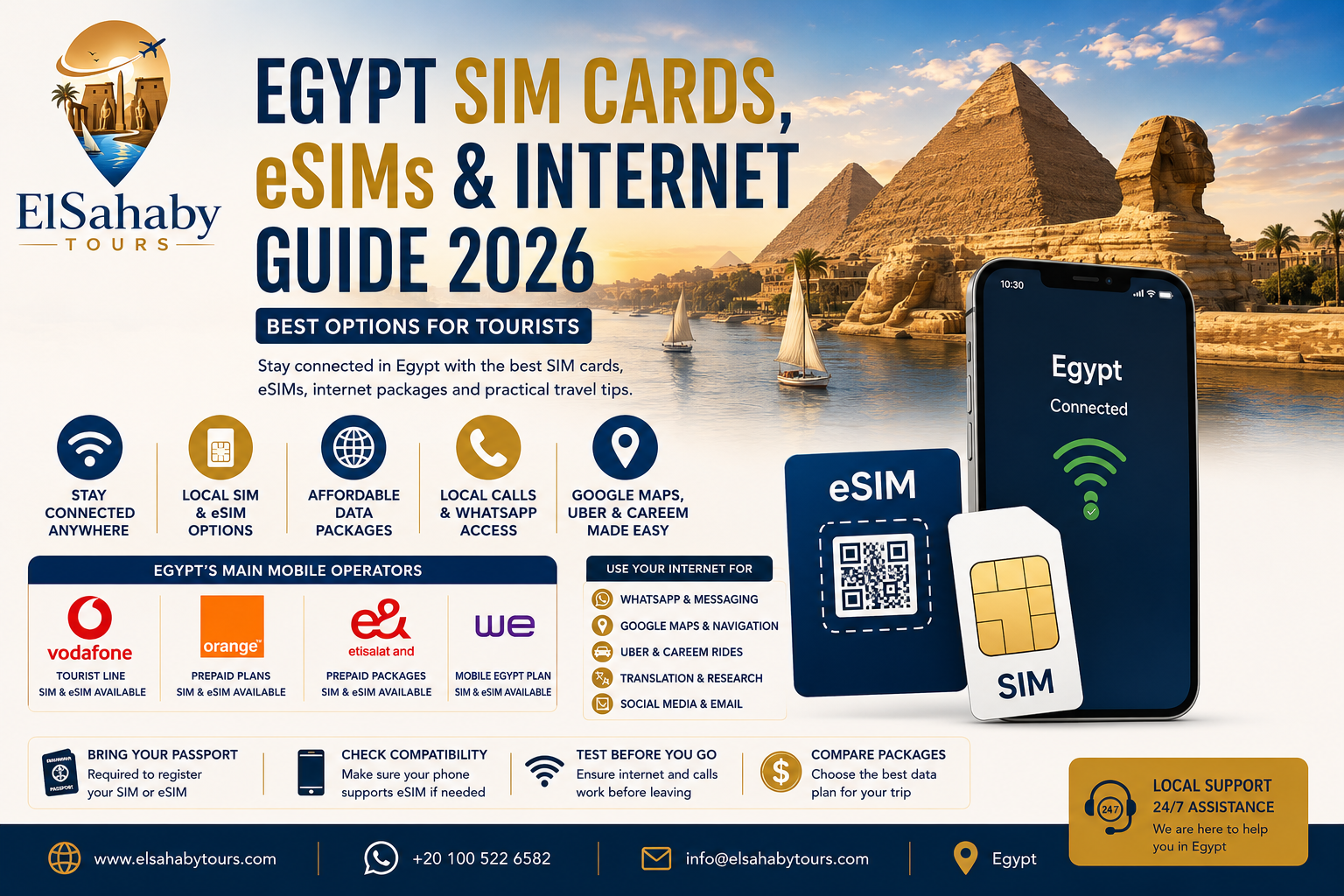
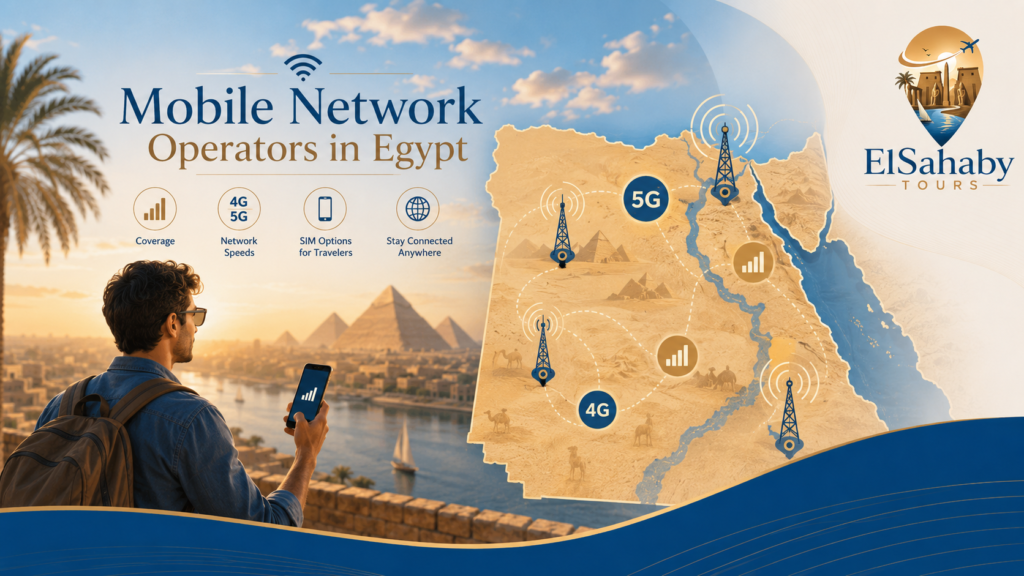
Egypt currently has four main mobile network operators:
- Vodafone Egypt
- Orange Egypt
- e& Egypt
- WE by Telecom Egypt
Egypt’s National Telecommunications Regulatory Authority identifies these four companies as the country’s mobile operators. Egypt also officially launched local eSIM services after technical testing by all four operators.
This guide explains how tourists can choose between:
- A physical Egyptian SIM card
- A local Egyptian eSIM
- An international travel eSIM
- International roaming
- Hotel and public Wi-Fi
Quick Answer: What Is the Best Internet Option in Egypt?
| Traveler Type | Recommended Option |
|---|---|
| First-time visitor | Local tourist SIM |
| Traveler with an eSIM-compatible phone | Local eSIM |
| Traveler who wants internet immediately after landing | International travel eSIM |
| Long stay in Egypt | Local SIM or local eSIM |
| Budget traveler | Local prepaid SIM |
| Heavy social-media user | Large local data package |
| Business traveler | Local eSIM plus hotel Wi-Fi |
| Traveler visiting several cities | Local operator with suitable coverage for the route |
Elsahaby Local Advice: For most visitors staying one week or longer, a local Egyptian SIM or eSIM usually provides better value than international roaming.
1. Physical SIM, Local eSIM or Travel eSIM?
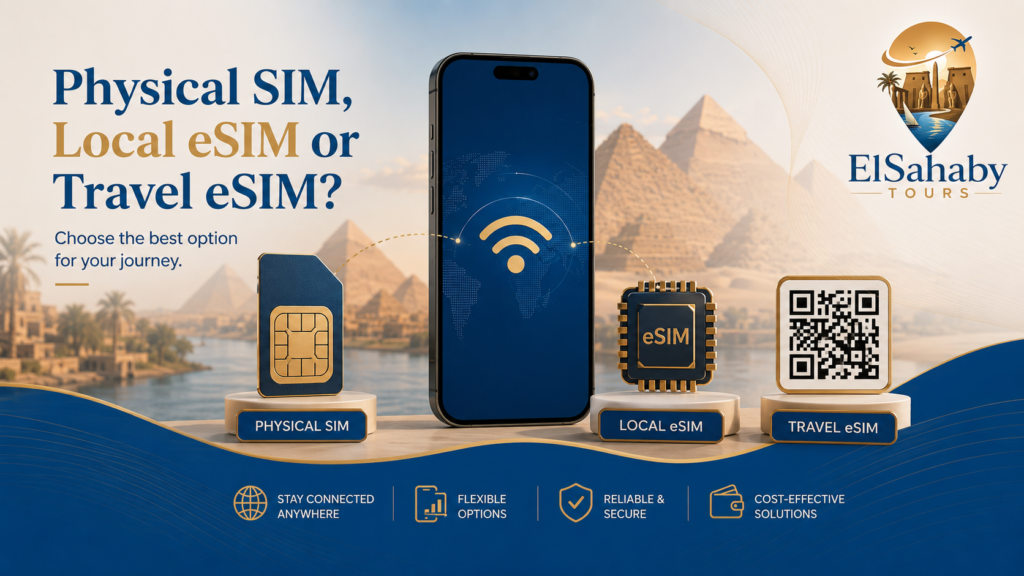
There are several ways to stay connected in Egypt.
The best choice depends on your phone, arrival time, trip duration and data needs.
Physical Egyptian SIM Card
A physical SIM is a traditional plastic SIM card inserted into your phone.
Best For
- Travelers staying one week or longer
- Visitors who want an Egyptian phone number
- Budget travelers
- Phones without eSIM support
- Travelers who need local calls
Advantages
- Local mobile number
- Access to Egyptian data packages
- Often good value for longer stays
- Easy to recharge
- Suitable for calls and internet
Things to Check
- Your phone should be unlocked.
- Confirm the SIM size.
- Ask staff to activate the line.
- Test mobile data before leaving the shop.
- Keep the SIM packaging and phone number.
Local Egyptian eSIM
An eSIM is a digital SIM installed directly on a compatible phone without inserting a physical card.
Egypt officially launched eSIM services in December 2024 after the required technical testing was completed by the four mobile operators.
Best For
- Compatible iPhones
- Compatible Samsung phones
- Travelers using dual-SIM devices
- Visitors who want to keep their home SIM installed
- Travelers who prefer a digital setup
Advantages
- No physical SIM card
- Your original SIM can remain in the phone
- Convenient for dual-SIM use
- Easy switching between lines
- Lower risk of losing a small physical SIM
Things to Check
- Your phone must support eSIM.
- Your phone should be network-unlocked.
- You may need Wi-Fi during activation.
- Keep the QR code information secure.
- Do not delete the eSIM profile unless instructed.
Vodafone advises customers to confirm device compatibility, connect to Wi-Fi and use a QR code during setup. WE also states that its eSIM service is available for compatible devices and that activation is completed using a QR code from a WE branch.
International Travel eSIM
An international travel eSIM can be purchased online before arriving in Egypt.
Best For
- Travelers who want data immediately after landing
- Short visits
- Late-night arrivals
- Visitors who do not want to visit a mobile shop
Advantages
- Can often be installed before departure
- Internet may be available soon after landing
- No need to replace your physical SIM
- Convenient for short trips
Things to Consider
- Some travel eSIMs provide data only.
- You may not receive an Egyptian phone number.
- Local calls may not be included.
- Prices may be higher than local mobile packages.
- Speed and network access depend on the provider.
Elsahaby Local Advice: An international eSIM is convenient for your arrival day, while a local Egyptian SIM may offer better value during a longer stay.
International Roaming
Using your home mobile line in Egypt is the easiest option because you do not need another SIM.
However, roaming prices vary significantly between international mobile providers.
Before Traveling
- Check roaming prices.
- Activate the correct package before departure.
- Confirm the daily data allowance.
- Check whether incoming calls are charged.
- Disable roaming if you do not have a package.
Elsahaby Local Advice: Never assume international roaming is included. Check the cost before landing to avoid unexpected charges.
2. Mobile Network Operators in Egypt
Egypt has four main mobile operators.
| Operator | Useful Tourist Option |
|---|---|
| Vodafone Egypt | Dedicated Tourist Line and eSIM |
| Orange Egypt | Prepaid services and eSIM available to tourists |
| WE | Mobile Egypt tourist plan and eSIM |
| e& Egypt | Prepaid mobile packages and digital services |
There is no single network guaranteed to be the best in every city, hotel, desert area or travel route. Coverage and performance can differ by location and over time, so choose according to your itinerary and current local availability. Egypt’s telecom regulator regularly measures operator service quality across different areas.
3. Vodafone Egypt Tourist Line
Vodafone offers a dedicated tourist mobile line for visitors to Egypt.
The official Vodafone Tourist Line includes mobile data, local minutes and international minutes, depending on the selected package.
Vodafone states that its Tourist Line is available only to tourists and can be purchased from a Vodafone airport branch or another Vodafone branch in Egypt.
Vodafone Tourist Line Is Best For
- First-time visitors
- Travelers buying a SIM at the airport
- Guests wanting data and calls
- Visitors staying one week or longer
- Travelers using WhatsApp, maps and ride apps
Before Buying
Ask the staff:
- How much mobile data is included?
- How long is the package valid?
- Are local minutes included?
- Are international minutes included?
- What happens after the package is used?
- How can the line be recharged?
Official Vodafone Links
Vodafone currently publishes separate eSIM fees for new lines and physical-SIM replacement, but prices may change. Check the official page before purchasing.
Elsahaby Local Advice: Ask the employee to test internet access before you leave the airport or Vodafone shop.
4. Orange Egypt SIM and eSIM
Orange provides prepaid mobile services and local eSIM options.
Orange states that new and existing customers can obtain an eSIM through the My Orange application or by visiting an Orange shop. Its official eSIM information also states that tourists are eligible for the service.
Orange Is Best For
- Travelers who prefer Orange services
- Visitors with compatible eSIM phones
- Tourists who want a local mobile number
- Guests using mobile data regularly
- Travelers who want app-based account management
Before Buying
Confirm:
- Current eSIM fee
- Package duration
- Included data
- Local call allowance
- Recharge method
- Hotspot availability
Official Orange Links
Elsahaby Local Advice: Do not choose only by package size. Ask how long the data remains valid and what happens after the package is used.
5. WE Tourist Plans and eSIM
WE is the mobile brand of Telecom Egypt.
WE provides a tourist-focused plan called Mobile Egypt. The official information states that these plans are available to tourists visiting Egypt, are valid for 30 days and can be renewed.
WE also offers eSIM services for individual customers with new lines or SIM replacement. Activation requires a compatible device and a QR code provided through a WE branch.
WE Is Best For
- Visitors looking for a tourist-specific plan
- Travelers staying several weeks
- Guests wanting a local eSIM
- Visitors who want an Egyptian phone number
- Travelers comparing several operator packages
Official WE Links
Elsahaby Local Advice: Ask whether the published price includes taxes and confirm the exact package validity before payment.
6. e& Egypt
e& Egypt is another major mobile operator in Egypt.
Travelers can check current prepaid packages, internet bundles, eSIM availability and account services directly through the official website or an official branch. e& is one of Egypt’s four licensed mobile operators.
e& Egypt Is Best For
- Travelers comparing local mobile packages
- Visitors staying near an official e& branch
- Guests seeking prepaid data options
- Travelers using an eSIM-compatible phone
Official e& Links
Elsahaby Local Advice: Mobile packages change regularly. Check current data, validity and activation conditions at the official branch rather than relying on old screenshots online.
7. What Documents Do Tourists Need?
Mobile lines must be registered correctly.
Egypt’s National Telecommunications Regulatory Authority states that foreign customers should provide an original valid passport and the applicable residency documentation requested by the operator. Customers must be present during registration.
Bring
- Original passport
- Valid visa or entry documentation
- Phone
- Payment method
- Hotel address if requested
Important
- Buy from an official operator branch or authorized sales point.
- Do not buy a previously activated SIM registered to another person.
- Check that your name and passport information are used correctly.
- Keep your receipt.
Elsahaby Local Advice: Your passport is required for proper registration, so keep it available when purchasing a local line.
8. Should You Buy a SIM at Cairo Airport?
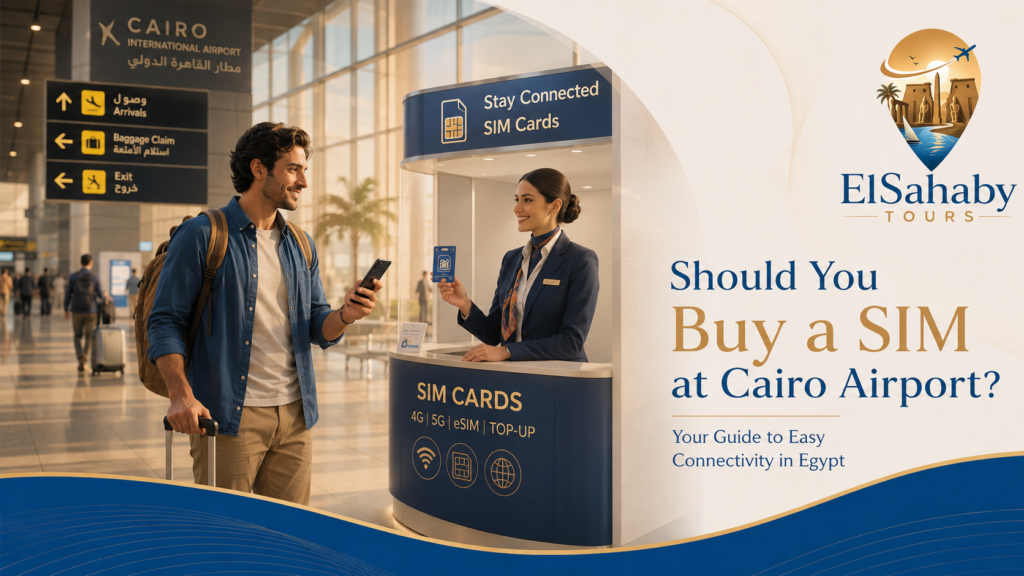
Buying a SIM after landing can be convenient.
It allows you to have internet before leaving the airport and helps with:
- Contacting your hotel
- Using Google Maps
- Sending WhatsApp messages
- Contacting your driver
- Using ride-hailing applications
Vodafone officially states that its Tourist Line can be purchased from a Vodafone airport branch or another Vodafone branch in Egypt.
Advantages of Airport Purchase
- Internet available shortly after arrival
- Easy communication with your driver
- No need to search for a shop later
- Helpful for first-time visitors
Things to Consider
- Queues may be long.
- Some packages may change.
- Branch operating hours may vary.
- Staff should activate and test the service.
Before Leaving the Counter
Check:
- Mobile data works.
- Your phone shows the correct network.
- You know your Egyptian phone number.
- You know the package size.
- You know the expiry date.
- You understand how to recharge.
Elsahaby Local Advice: Keep your hotel name, driver contact and booking confirmation saved offline before landing. This protects you if airport Wi-Fi or mobile activation is delayed.
9. Airport Transfer Before You Have Internet
Travelers arriving without mobile internet may find airport pickup more comfortable than arranging transportation after landing.
A pre-booked transfer provides:
- Driver contact before arrival
- Confirmed pickup arrangement
- Space for luggage
- Direct transportation to the hotel
- Local support
Explore current transportation services:
Elsahaby Local Advice: Take a screenshot of your driver’s name, phone number and meeting instructions before your flight.
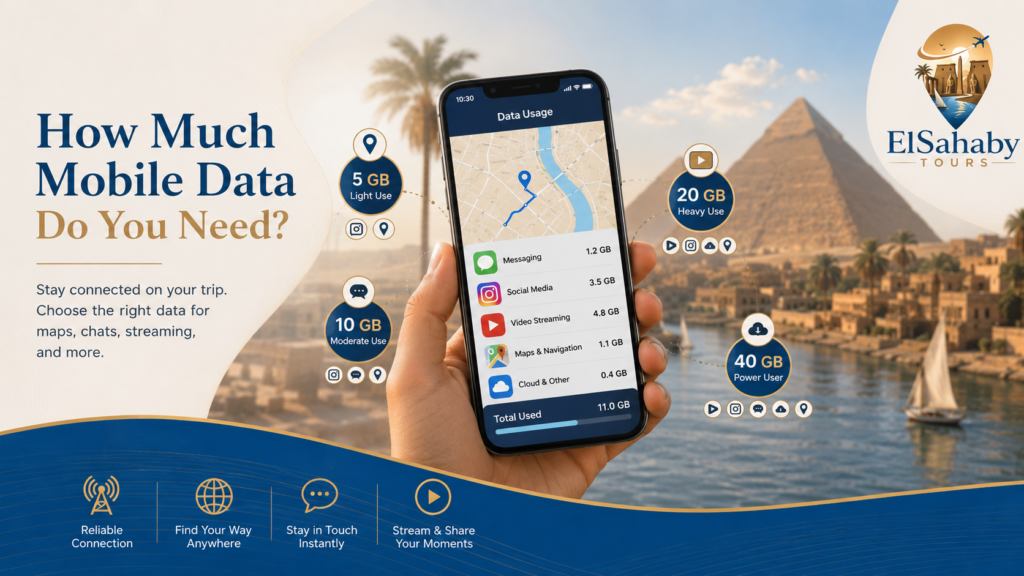
Your data requirement depends on how you use your phone.
10. How Much Mobile Data Do You Need?
Suggested Planning Guide
| Travel Style | Suggested Data |
|---|---|
| Maps and WhatsApp only | 5–10 GB |
| Regular social media | 10–20 GB |
| Daily photo and video uploads | 20–40 GB |
| Heavy video streaming | 40 GB or more |
| Remote work | Large package plus reliable Wi-Fi |
These are general planning estimates, not official operator recommendations.
Data-Saving Tips
- Download offline Google Maps.
- Use hotel Wi-Fi for large uploads.
- Disable automatic video downloads.
- Turn off cloud photo backup on mobile data.
- Reduce video streaming quality.
- Download movies before traveling.
Elsahaby Local Advice: Many travelers buy more data than they need. Maps, WhatsApp and email usually consume much less data than video streaming.
11. How to Activate an Egyptian eSIM
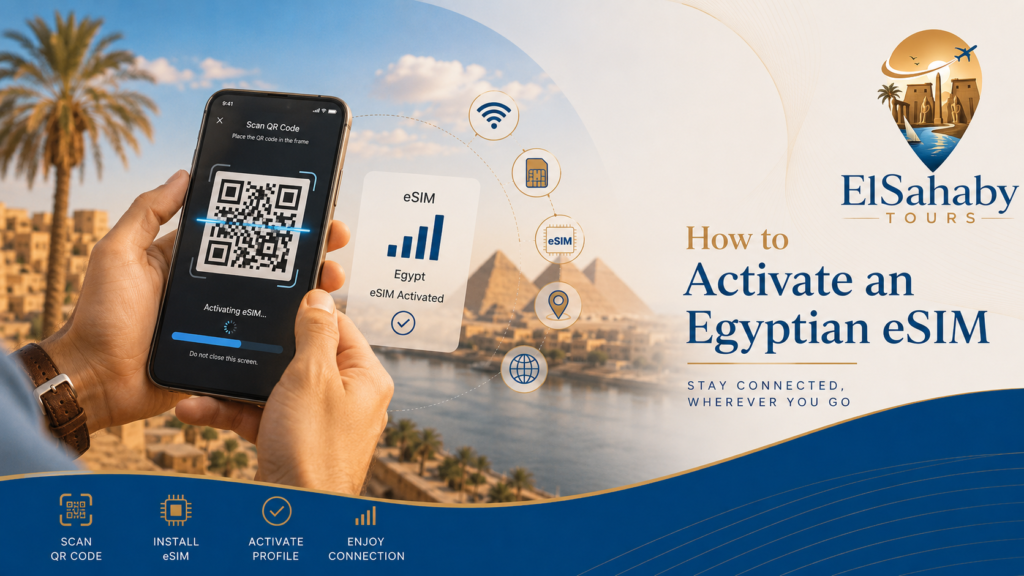
The exact process depends on your mobile operator and phone.
A common setup may include:
- Confirm your phone supports eSIM.
- Connect to a Wi-Fi network.
- Receive the operator’s QR code.
- Open the phone settings.
- Choose Add eSIM or Add Mobile Plan.
- Scan the QR code.
- Select the Egyptian line for mobile data.
- Test the internet connection.
Vodafone’s official instructions require a compatible device and Wi-Fi during setup. WE states that users activate the service with a QR code supplied by a branch.
Important
- Do not share the QR code.
- Do not delete the profile accidentally.
- Keep the original information until the line is working.
- Confirm whether your home SIM remains active.
WE advises that deleting an eSIM profile may require visiting a branch for a replacement.
12. Using Dual SIM in Egypt
Many modern phones support:
- One physical SIM and one eSIM
- Two eSIM profiles
- More than one stored mobile plan
A practical setup can be:
| Line | Use |
|---|---|
| Home SIM | Banking messages and important calls |
| Egyptian SIM | Mobile internet and local calls |
Recommended Settings
- Select the Egyptian line for mobile data.
- Turn off data roaming on your home SIM.
- Keep your home line active only when necessary.
- Check whether your home operator charges for incoming calls.
Elsahaby Local Advice: Check your phone settings before departure so you do not accidentally use international roaming.
13. Using WhatsApp with an Egyptian SIM
Many travelers keep WhatsApp connected to their original phone number while using an Egyptian SIM for internet.
Do not use WhatsApp’s Change Number function unless you intentionally want to transfer your WhatsApp account to the new number. WhatsApp explains that the Change Number feature transfers account information to another phone number.
Practical Advice
- Keep your existing WhatsApp account.
- Use the Egyptian SIM for mobile data.
- Save your hotel and driver contacts.
- Keep access to your original number when possible.
- Back up important chats before travel.
14. Internet for Uber, Careem and Maps
Mobile internet is especially useful in Cairo.
You may use it for:
- Uber
- Careem
- Google Maps
- Hotel communication
- Translation
- Restaurant searches
- Attraction information
Before Leaving Your Hotel
- Confirm your destination.
- Check the pickup point.
- Save the hotel location.
- Keep enough battery.
- Carry a power bank.
Elsahaby Local Advice: Save your hotel location in Google Maps before leaving. This makes returning easier even if your internet connection becomes weak.
15. Hotel Wi-Fi in Egypt
Many hotels provide Wi-Fi, but speed and coverage can vary.
Wi-Fi may work well in:
- Lobby areas
- Restaurants
- Business centers
- Some guest rooms
Performance may depend on hotel location, occupancy and the network system.
Before Booking
Check:
- Is Wi-Fi free?
- Is it available inside rooms?
- Is there a device limit?
- Is premium internet available?
- Is the connection suitable for work calls?
Elsahaby Local Advice: Remote workers should not depend only on hotel Wi-Fi. Keep a local mobile data package as a backup.
16. Staying Connected Outside Major Cities
Mobile coverage may vary in:
- Desert areas
- Remote roads
- Some mountain regions
- Parts of Lake Nasser
- Isolated archaeological areas
Before a remote trip:
- Download offline maps.
- Save your hotel details.
- Keep your driver’s number.
- Charge your phone fully.
- Carry a power bank.
- Inform someone about your itinerary.
Elsahaby Local Advice: During desert or remote journeys, reliable transportation and a local driver are more important than expecting continuous mobile coverage.
17. Common SIM and Internet Problems
No Mobile Data
Try:
- Restarting the phone
- Turning airplane mode on and off
- Checking the selected data SIM
- Confirming the package is active
- Checking APN settings with the operator
eSIM Will Not Activate
Check:
- Phone compatibility
- Internet connection
- QR code validity
- Whether the eSIM was already installed
- Operator activation status
Data Finishes Too Quickly
Check:
- Video streaming
- Automatic photo backup
- Social-media video autoplay
- App updates
- Personal hotspot usage
Weak Signal
Try:
- Moving outdoors
- Restarting network connection
- Selecting automatic network mode
- Contacting your operator
- Using hotel Wi-Fi temporarily
18. Which Option Should You Choose?
| Option | Convenience | Value | Local Number | Best For |
|---|---|---|---|---|
| Physical Egyptian SIM | High | High | Yes | Most visitors |
| Local Egyptian eSIM | Very High | High | Yes | Compatible phones |
| International travel eSIM | Very High | Medium | Often no | Immediate arrival internet |
| International roaming | Very High | Varies | Home number | Very short trips |
| Hotel Wi-Fi only | Low | Free or included | No | Minimal phone use |
Choose a Physical SIM If
- Your phone does not support eSIM.
- You want a local number.
- You are staying one week or longer.
- You want good local value.
Choose a Local eSIM If
- Your phone supports eSIM.
- You want to keep your home SIM installed.
- You prefer digital service.
- You want local data and a local number.
Choose an International eSIM If
- You want internet immediately after landing.
- Your trip is short.
- You do not need local calls.
- Convenience is more important than the lowest price.
Choose Roaming If
- Your home provider offers a good Egypt package.
- You are staying only a few days.
- You do not want another SIM.

Need Help Planning Your Egypt Trip?
Elsahaby Tours can assist with airport transfers, private transportation, tours and customized Egypt itineraries.
Our Services Can Include
- Cairo Airport pickup
- Luxor Airport transfers
- Aswan Airport transfers
- Private cars and drivers
- Cairo, Luxor and Aswan tours
- Hot air balloon experiences
- Nile cruise planning
- Abu Simbel tours
- Tailor-made Egypt itineraries
- Local travel support
Contact Elsahaby Tours
Chat with Elsahaby Tours on WhatsApp
Frequently Asked Questions
What is the best SIM card for tourists in Egypt?
The best option depends on your itinerary, phone and data requirements. Vodafone has a dedicated Tourist Line, WE offers a tourist-focused Mobile Egypt plan, and Orange provides eSIM service to tourists. Compare current packages before purchasing.
Can tourists use eSIM in Egypt?
Yes. Egypt officially launched local eSIM services, and operator options are available for compatible devices. Orange specifically states that tourists are eligible for its eSIM service.
Do I need my passport to buy a SIM in Egypt?
Yes. Foreign customers should bring an original valid passport and any additional entry or residency documentation required by the operator.
Can I buy a SIM at Cairo Airport?
Vodafone officially states that its Tourist Line is available at airport branches and Vodafone branches in Egypt. Availability and operating hours should be checked when you arrive.
Can I keep using WhatsApp with my original number?
Many travelers use their Egyptian SIM only for mobile data while keeping WhatsApp registered to their original number. Do not select WhatsApp’s Change Number option unless you want to transfer your account to a different number.
Is hotel Wi-Fi enough?
It may be enough for light use, but a local SIM or eSIM provides more flexibility for maps, messaging and transportation outside the hotel.
How much mobile data do I need?
For maps, WhatsApp and normal browsing, 5–10 GB may be enough for many short trips. Travelers uploading videos or using social media heavily may need a larger package.
Is an international travel eSIM better than a local SIM?
An international eSIM may be easier before arrival, while a local SIM often provides a local number and better value for longer stays.
Official Sources & Useful Links
- Egypt National Telecommunications Regulatory Authority
- NTRA – eSIM Launch in Egypt
- NTRA – Mobile SIM Registration Rules
- Vodafone Egypt Tourist Line
- Vodafone Egypt eSIM
- Orange Egypt eSIM
- Orange Egypt Internet Packages
- WE Egypt Mobile Services
- WE Egypt eSIM
- WE Mobile Egypt Tourist Plan
- e& Egypt Official Website
- Elsahaby Tours
- Elsahaby Tours – Transfers
- Elsahaby Tours – Egypt Tours
- Elsahaby Tours – Contact Us